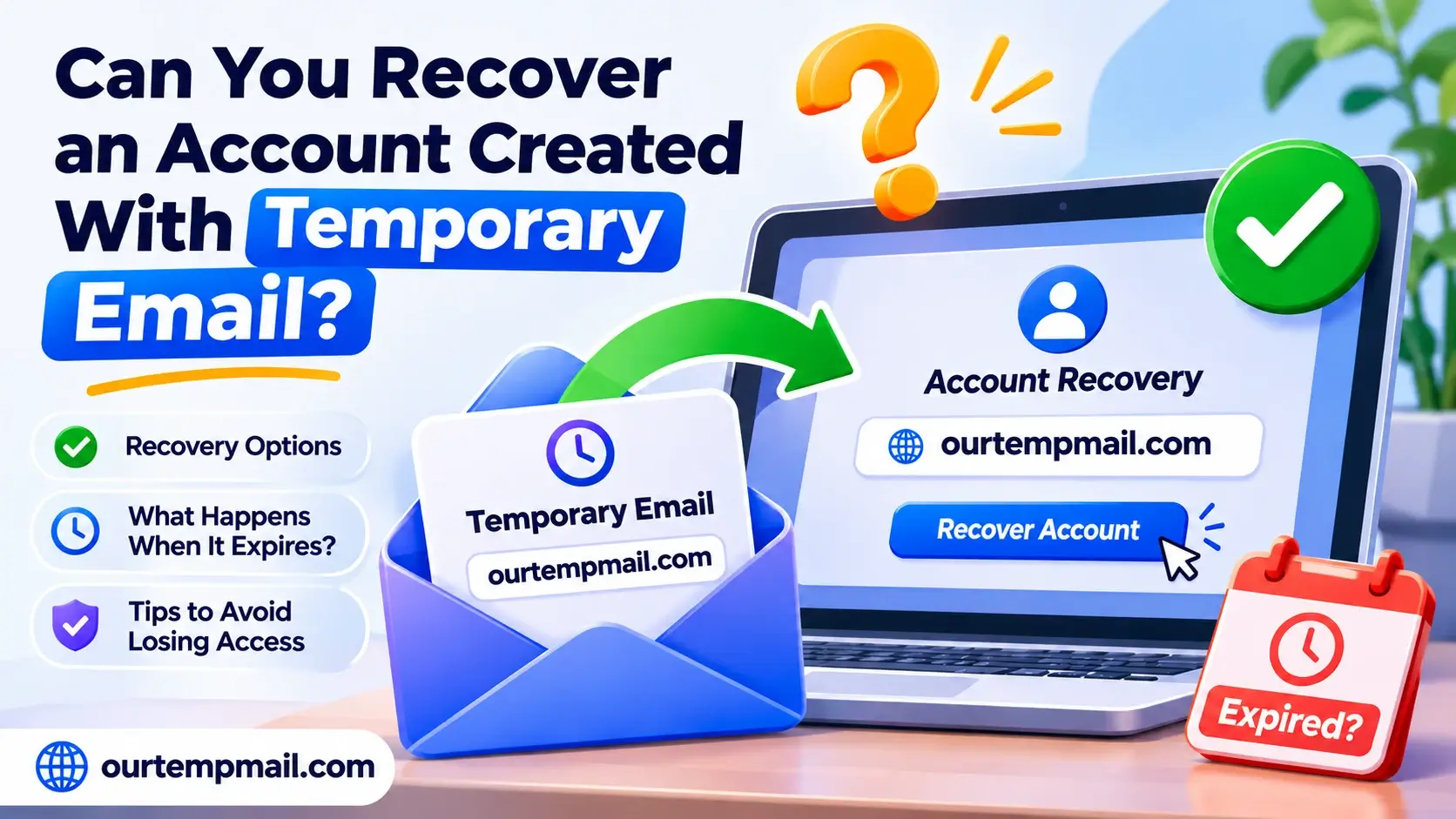
Creating an online account with a temporary email address is convenient, especially when you want to avoid spam or protect your personal inbox. But what happens when you forget your password, lose access to the account, or discover that your temporary inbox has expired?
Can you recover an account created with temporary email?
The short answer is sometimes, but recovery is not guaranteed.
If you still have access to the account, remember your password, or previously configured an alternative recovery method, you may be able to regain control. However, if your account depends entirely on an expired disposable email address, recovering access can become significantly more difficult.
This guide explains what happens when temporary email expires, which account recovery options may still work, and how to avoid losing important accounts in the future.
Can You Recover an Account Linked to Temporary Email?
Yes, recovering an account registered with a temporary email address may be possible under certain circumstances.
The key factor is whether the website offers recovery options beyond sending a password reset link to your original email address.
For example, consider two situations.
Scenario 1: You Still Remember Your Password
You registered on a website using a temporary email address. Several days later, the temporary inbox expires, but you still remember your account password.
If the platform allows normal password-based login without requiring a new email verification code, you may still be able to access your account.
After signing in, you should check whether the account settings allow you to replace the temporary address with a permanent one.
Scenario 2: You Forgot Your Password
You created an account using disposable email and later forgot your password.
The website sends password reset links exclusively to your registered email address, but your temporary inbox no longer exists.
In this situation, traditional email-based password recovery may fail.
You would need another supported verification method or assistance from the platform's account recovery team.
The important distinction is that losing access to a temporary inbox does not automatically delete the third-party account created with it.
However, it may prevent you from proving ownership when the platform requires email verification.
What Happens When Your Temporary Email Expires?
Temporary email services provide email addresses intended for short-term communication.
Unlike permanent email providers, disposable inboxes may expire automatically based on their retention policies, inactivity rules, or session settings.
When an inbox expires, several things can happen:
You may lose access to previously received messages.
Old verification codes and account activation links may no longer be available.
Future emails may not reach an inbox you can access.
Password reset messages may become inaccessible.
You may lose the ability to complete email-based account security checks.
The exact behavior depends on the temporary email provider.
For example, Our Temp Mail provides disposable addresses for short-term email reception.
Its published Privacy Policy explains that temporary messages are automatically deleted after the specified retention period or when an inbox expires, whichever occurs first. Once deleted, those messages cannot be recovered.
This is why disposable email should not be considered a permanent account recovery method.
If you want to understand the technology behind temporary inboxes, read our guide on what temporary email is and how it works.
How to Recover an Account Created With Temporary Email
If you are trying to recover an account associated with an expired temporary email address, the following steps can help you identify legitimate recovery options.
Step 1: Try Logging In With Your Existing Credentials
Before attempting password recovery, try signing in normally.
Enter the temporary email address you used during registration and your existing password.
Some platforms allow users to continue logging in even after the registered email inbox has expired.
If you successfully access the account, immediately review the security settings.
Look for options such as:
Change email address
Update contact information
Add a recovery email
Add a passkey or authenticator
Manage account security
If the platform allows it, replace your disposable address with a permanent email address you control.
Some services require confirmation through the old email address before permitting changes. In those cases, another verification or support process may be necessary.
Step 2: Check Whether Your Temporary Inbox Is Still Accessible
An email inbox that appears unavailable is not always permanently deleted.
For example, a temporary connection issue, expired browser session, or page-loading problem may prevent you from viewing an otherwise active inbox.
If you originally used Our Temp Mail, return to the website and check whether your original inbox is still accessible through its supported interface.
Do not assume that generating the same-looking address again will restore previously deleted messages.
If the inbox is still active and you can legitimately access it, you may be able to receive a password reset email.
For help diagnosing delivery problems, read our temporary email troubleshooting guide.
Important: A permanently deleted inbox or message cannot be restored merely by refreshing the page, changing browsers, or recreating an email address.
Step 3: Look for Alternative Account Recovery Options
Many online services support more than one method of verifying account ownership.
Depending on the platform, you may be able to recover access using:
Phone number verification
If you previously connected a phone number, the service may allow you to receive an SMS verification code.
Backup email address
Some platforms let users configure a secondary email address. If you added one before losing access, it may provide another recovery route.
Recovery codes
Accounts using two-factor authentication sometimes provide one-time backup codes during setup.
If you saved these codes securely, they may help you sign in when your usual verification method is unavailable.
Passkeys or trusted devices
Certain services support passkeys or device-based authentication, allowing you to confirm your identity without accessing the original email inbox.
These options work only when supported by the platform and configured appropriately.
If you never added alternative recovery methods, proceed to the next step.
Step 4: Check Whether You Are Still Logged In
Even if you cannot receive emails, an existing authenticated session may provide access to your account settings.
Check devices and browsers where you previously signed in.
If you discover an active session:
Avoid signing out unnecessarily.
Open the official account settings.
Look for the email or security section.
Add or update your recovery information if permitted.
Follow the platform's required verification process.
Do not assume an existing login session will bypass account security requirements. Some platforms require your password, original email, or another verification method before sensitive account changes.
Step 5: Contact the Website's Official Support Team
If other recovery methods are unavailable, contact the support team of the website where you created the account.
Explain that you originally registered using a disposable email address and can no longer receive messages through that inbox.
Depending on its policies, the platform might request information to establish ownership.
Examples include your username, approximate account creation date, previously linked phone number, or legitimate transaction records.
Only provide this information through the platform's official support channels.
Never send passwords, authentication codes, or private recovery keys to an unknown person claiming to offer account recovery.
Account recovery through support is not guaranteed. Some platforms cannot change account credentials without access to an existing verified recovery method.
Step 6: Secure the Account After Recovery
If you successfully regain access, take a moment to protect the account against future lockouts.
Replace the temporary email address with a permanent email account where possible.
Then consider enabling a supported second authentication method, securely saving recovery codes, and verifying that your contact information is correct.
These small steps can prevent a temporary inbox from becoming a long-term account access problem.
What If You Cannot Recover the Account?
Sometimes account recovery is not possible.
For example, you may be unable to recover an account if:
The temporary inbox has permanently expired.
You forgot the account password.
No alternative recovery method was configured.
The platform requires verification through the original email.
Support cannot independently verify your account ownership.
If this happens, review the platform's official account recovery and account closure policies.
You may need to create a new account using an email address you can retain.
However, do not create duplicate accounts if doing so would violate the platform's rules.
If the inaccessible account contains purchases, personal information, or subscriptions, contact the platform's official support team before taking further action.
Can You Recover an Expired Temporary Email Address?
Recovering the third-party account and recovering the temporary email inbox are two different things.
A website account may continue to exist even when the email address used during registration becomes inaccessible.
By contrast, an expired temporary inbox may have had its messages permanently deleted.
Some email services offer longer retention, account-based access, or saved inbox features. Others permanently remove temporary messages and do not offer restoration.
For Our Temp Mail, the published Privacy Policy states that deleted temporary messages cannot be recovered.
That means users should not rely on the service to retrieve old password reset links after deletion.
The safest approach is to complete time-sensitive verification while the temporary inbox is available and avoid using disposable addresses as the sole contact method for important accounts.
Can You Reset a Password Without Your Temporary Email?
Password recovery without the registered email address depends entirely on the website's authentication system.
Here is how common methods compare:
| Recovery Method | May Work Without Original Email? |
|---|---|
| Existing password | Yes, if email re-verification is not required |
| Linked phone number | Yes, if supported |
| Backup email address | Yes, if configured |
| Recovery or backup codes | Sometimes |
| Passkey or trusted device | Sometimes |
| Official support verification | Depends on platform policy |
| Password reset link sent to expired inbox | Generally not accessible |
How to Avoid Losing Accounts Created With Disposable Email
The best way to solve temporary email recovery problems is to avoid creating them.
Use Temporary Email Only for Short-Term Activities
Disposable email works well for low-stakes activities where future communication is unnecessary.
Examples include suitable one-time downloads, short-term product evaluations, and non-sensitive testing.
It is less appropriate for accounts you plan to maintain for months or years.
Change to a Permanent Address Before Losing Access
If you initially register with temporary email and later decide to keep an account, check whether you can update its email address.
Do this while you still have access to the disposable inbox, particularly if the website requires confirmation through the original address.
Consider an Email Alias for Long-Term Privacy
You do not always need to choose between sharing your primary address and using a disposable inbox.
An email alias can provide a separate address that forwards incoming messages to an account you control.
This allows you to reduce exposure of your main email address while retaining future communication and account recovery options.
Set Up Multiple Recovery Methods
When a platform supports them, configure a recovery email, phone number, passkey, or backup codes.
Keep recovery information current and store sensitive credentials securely.
Avoid Disposable Email for Important Services
Banking, healthcare, government accounts, work platforms, and paid subscriptions often depend on reliable long-term communication.
For these accounts, use a stable email address protected by strong authentication.
Temporary Email vs. Permanent Email for Account Recovery
Both temporary and permanent email addresses can receive registration messages, but they have different strengths.
Temporary email is useful when an address is needed briefly and you do not expect future communication.
It can help keep your personal inbox separate from one-time activity.
However, inbox expiration creates a significant limitation for account recovery.
Permanent email is more suitable when you need to receive password reset links, security alerts, and account notifications over time.
A permanent email account also typically offers its own recovery and authentication features.
The right choice depends on the value and expected lifespan of the account you are creating.
For low-risk, short-term activities, temporary email may be sufficient.
For an account you genuinely want to keep, reliable email access should be part of your security plan.
Frequently Asked Questions
1. Can I recover my account if my temporary email has expired?
Possibly. If you remember your password, have an active session, or configured another supported recovery method, you may still be able to access the account. Otherwise, recovery depends on the website's policies.
2. Can I receive a password reset email after my temp mail expires?
Generally, you cannot depend on receiving new messages through an expired inbox. Some providers offer different retention or restoration features, so the exact answer depends on the service.
3. Can Our Temp Mail recover permanently deleted emails?
No. According to Our Temp Mail's published Privacy Policy, messages cannot be recovered after permanent deletion.
4. Will my website account disappear when my temporary email expires?
Not necessarily. The third-party website may continue storing your account information. Expiration of the associated temporary inbox does not automatically delete that account.
5. Can I change my temporary email to Gmail after registration?
Some websites allow users to update their registered email address. Others require verification through the original inbox. Check the account's official settings and policies.
6. Can I recover a social media account created with disposable email?
It depends on the social media platform. Some support alternative verification, while others require access to previously registered contact information.
7. Can I recreate the same temp mail address to recover old emails?
Recreating an address does not restore permanently deleted messages. It also does not guarantee that you will regain access to the original mailbox or receive future mail for it.
8. Is temporary email safe for long-term accounts?
Temporary email is not recommended as the sole contact or recovery method for long-term accounts. Inbox expiration can prevent important password resets, security alerts, and account notifications.
Final Thoughts
Recovering an account created with temporary email is sometimes possible, but the outcome depends on your existing login access and the recovery methods offered by the website.
If you still know your password or have another verified recovery option, you may be able to regain access without the original inbox.
However, if the disposable address has expired and the website depends exclusively on email-based recovery, your options may be limited.
The most reliable strategy is to use temporary email for genuinely short-term activities and permanent email for accounts you intend to keep.
Need a disposable email for a one-time task? Visit Our Temp Mail to access a free temporary inbox without registering a traditional email account.
Just remember: temporary email is designed for convenience, not permanent account recovery.