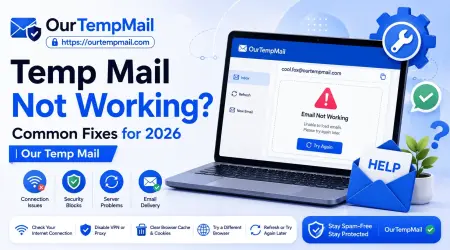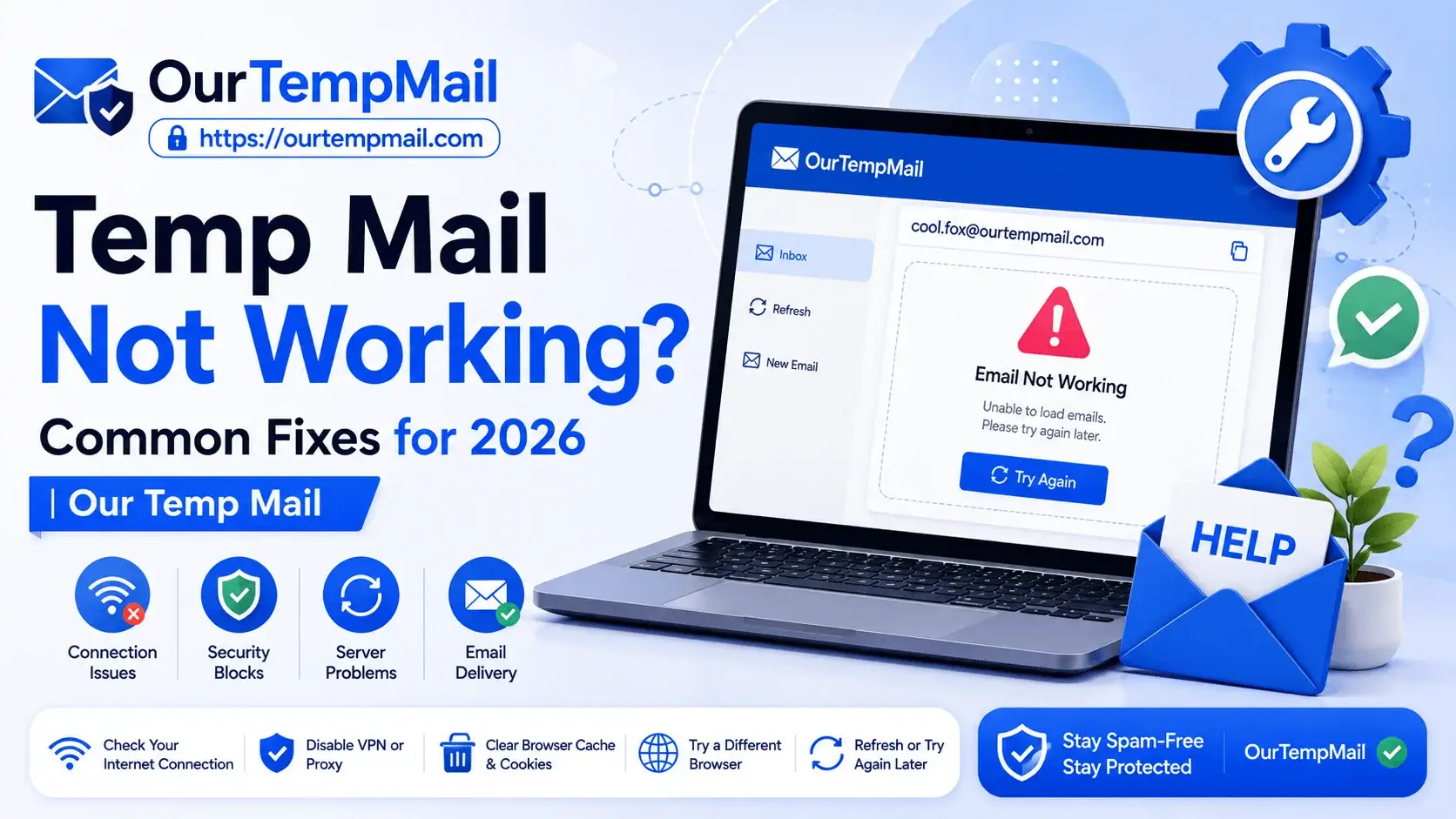
Temporary email services have become one of the most reliable ways to sign up for websites, claim free trials, and avoid spam without exposing a personal inbox. But like any online tool, temp mail can occasionally run into issues. If your temp mail is not receiving emails, not loading, or getting rejected by a website, you are not alone. This is one of the most common frustrations users face in 2026, and thankfully, most issues have simple explanations and even simpler fixes.
In this guide, we will break down the most common reasons temp mail stops working properly and walk through practical solutions to get your disposable inbox running smoothly again.
Why Temp Mail Sometimes Stops Working
Disposable email services rely on multiple moving parts working together: domain availability, server delivery speed, and website compatibility. When one of these breaks down, users often assume the entire service is broken, when in reality, the fix is usually quick and simple.
Here are the most common reasons temp mail fails to work as expected.
1. Temp Mail Blocked by Website (Domain Blacklisting)
This is by far the most common reason temp mail does not work. Many websites, especially social media platforms and e-commerce stores, maintain blocklists of known disposable email domains to prevent fake signups. If you enter a temporary email address and the website instantly rejects it or throws an "invalid email" error, the domain is likely blacklisted.
Fix: Switch to a different domain option within your temp mail service, or generate a fresh inbox with a less commonly blocked domain. Reliable temp mail services usually offer multiple domain choices for exactly this reason.
2. The Inbox Has Expired
Most temporary email addresses are designed to expire after a set period, ranging anywhere from a few minutes to a few days. If you generated an inbox earlier and return to it later expecting new emails, it may have already expired and stopped receiving messages.
Fix: Always check the expiry timer on your temp mail service before relying on an inbox for a delayed email. If the inbox has expired, simply generate a new one.
3. Emails Are Delayed Due to Server Load
During high-traffic periods, some free temp mail services experience delivery delays, especially when many users are generating inboxes at the same time.
Fix: Wait 30 to 60 seconds and refresh the inbox manually. If the email still does not arrive after a few minutes, try generating a new address instead of waiting indefinitely.
4. The Sender's Email System Is Blocking Disposable Domains
Some companies configure their email systems to detect and block known temporary email domains before the message is even sent. This is common with financial platforms, government portals, and certain SaaS tools that require verified, long-term email addresses.
Fix: For these platforms, temp mail is not the right tool. Use a permanent email address instead, since sensitive verifications are generally incompatible with disposable inboxes by design.
5. Browser or Cache Issues
Sometimes the problem is not the temp mail service at all, it is your browser. Cached data, outdated cookies, or browser extensions can interfere with how the inbox loads or refreshes.
Fix: Clear your browser cache, disable ad blockers temporarily, or try accessing the temp mail service in an incognito or private window.
6. Using an Unreliable or Overloaded Provider
Not all temp mail services are built the same. Some free providers cut corners on server infrastructure, leading to frequent downtime, slow delivery, or inboxes that simply stop working without warning.
Fix: Choose a temp mail service known for consistent uptime and fast delivery, rather than switching between random, low-quality providers every time something breaks.
How to Avoid Temp Mail Issues Going Forward
While occasional hiccups are normal with any free online tool, there are a few habits that significantly reduce the chances of running into problems.
- Use a trusted provider. Stick to a temporary email service with a track record of reliable delivery rather than lesser-known platforms with limited infrastructure.
- Check domain compatibility first. If a website is known to block temp mail, test with a different domain option before assuming the service is broken.
- Avoid using temp mail for critical accounts. Save temporary inboxes for one-time signups, trials, and downloads, not for accounts requiring long-term access.
- Refresh instead of reload. Most temp mail inboxes update automatically, but a manual refresh often resolves minor delivery lags faster than reloading the entire page.
- Generate a new inbox if issues persist. If an address stops working altogether, creating a new one is often faster than troubleshooting an old, possibly expired inbox.
Is It Normal for Temp Mail to Have Occasional Issues?
Yes. Since temp mail services are free, high-traffic, and built for short-term use, occasional delays or domain blocks are a normal part of how the technology works. The key is knowing how to quickly identify the cause and switch to a working solution, rather than assuming the entire concept of disposable email is unreliable.
Final Thoughts
Temp mail remains one of the most effective tools for protecting your inbox from spam, but like any online service, it can run into occasional issues. Most problems, whether it is a blocked domain, an expired inbox, or a delayed email, have quick and easy fixes once you know what to look for.
By choosing a dependable provider and following a few simple best practices, you can avoid most disruptions altogether. Our Temp Mail is built with reliable delivery, multiple domain options, and a clean, easy-to-use interface, helping you avoid the common issues users often face with lower-quality temp mail services.
Frequently Asked Questions
Why is my temp mail not receiving emails? This is usually caused by a blocked domain, an expired inbox, or a temporary server delay. Trying a different domain or generating a new inbox typically resolves the issue.
Why does a website reject my temp mail address? Many websites block known disposable email domains to prevent fake signups. Switching to a less common domain within your temp mail service usually solves this.
How long does a temp mail inbox stay active? This varies by provider, but most temporary inboxes remain active anywhere from a few minutes to 24 hours before expiring automatically.
Can I fix temp mail issues by clearing my browser cache? Yes, in some cases outdated cache or browser extensions can interfere with inbox loading. Clearing your cache or using a private browsing window often helps.
Should I use temp mail for important accounts? No. Temp mail is best suited for one-time signups, trials, and downloads. Important or long-term accounts should always use a permanent email address.